

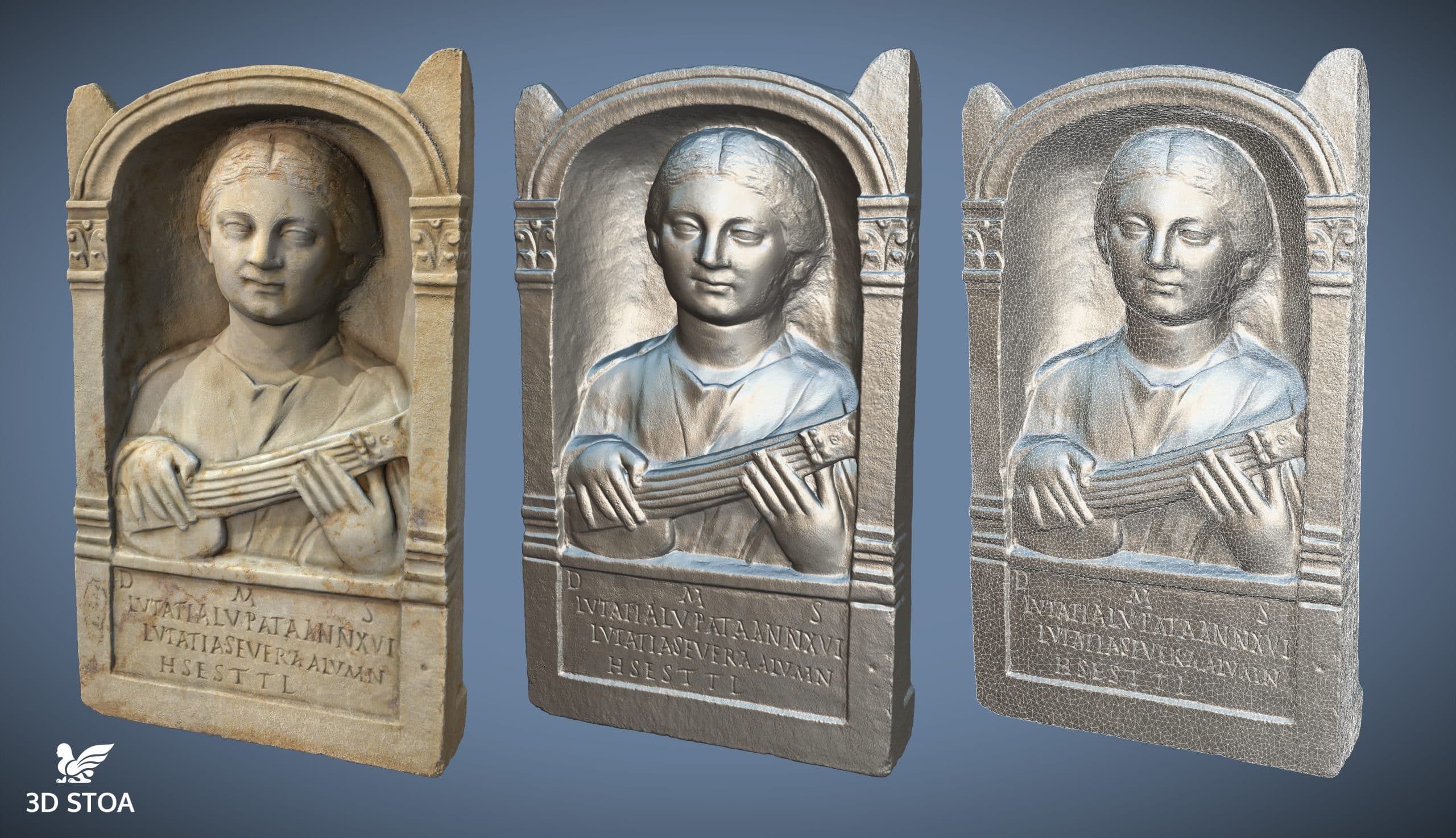
Introductory course in photogrammetry for 3D heritage documentation
6 weeks (40 hours)Description
In this fully online and practical course the student will learn how to use the technique of digital photogrammetry for the creation of quality 3D models from photographs in a simple, fast and intuitive way.
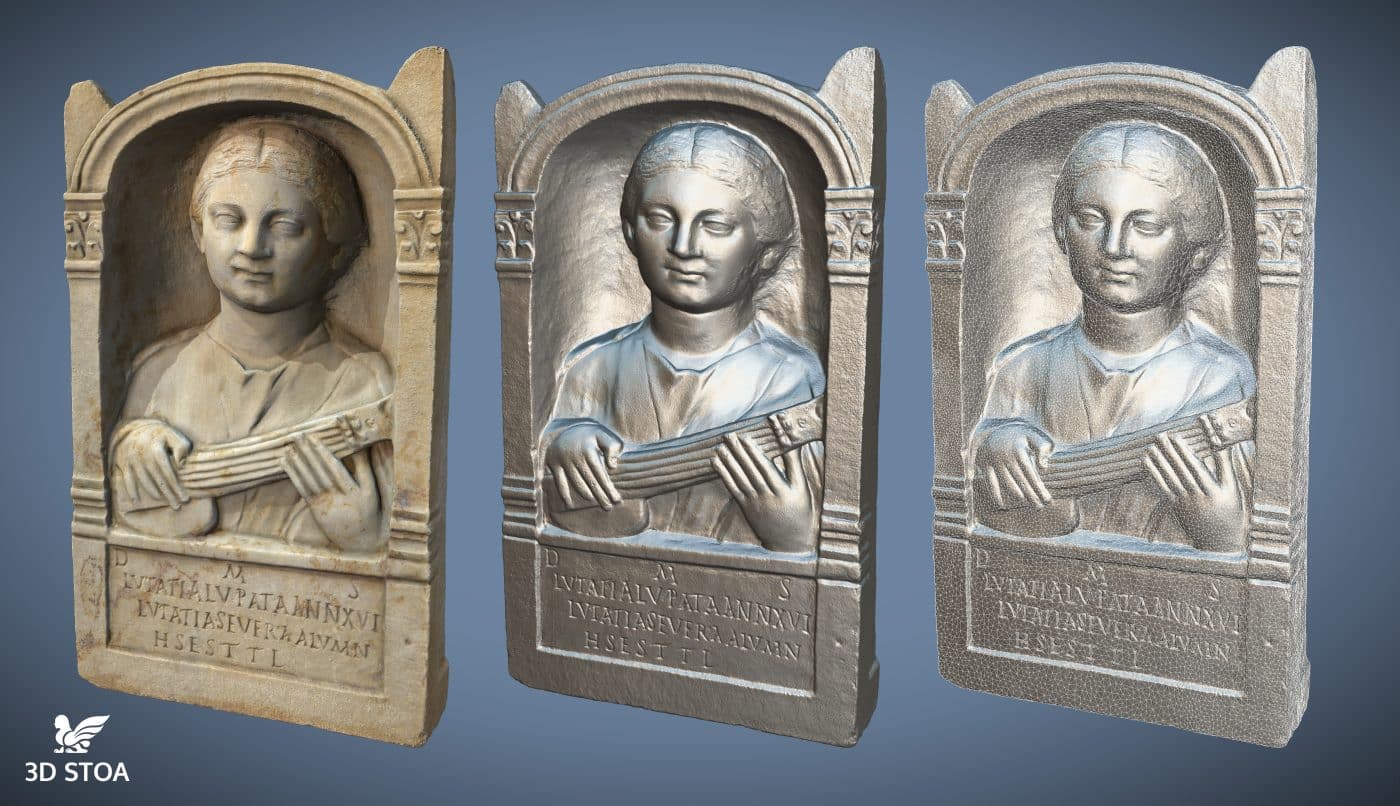
We will discover the essential techniques of digital photogrammetry that will allow us to document in 3D any patrimonial element: objects, archaeological sites, sculptures, structures, etc.
Objectives
Introduce us to the knowledge of the different 3D documentation technologies used in heritage and, mainly, in digital photogrammetry.
To know the possibilities, advantages and disadvantages of this 3D documentation technique.
To know the basic technical principles of digital photogrammetry.
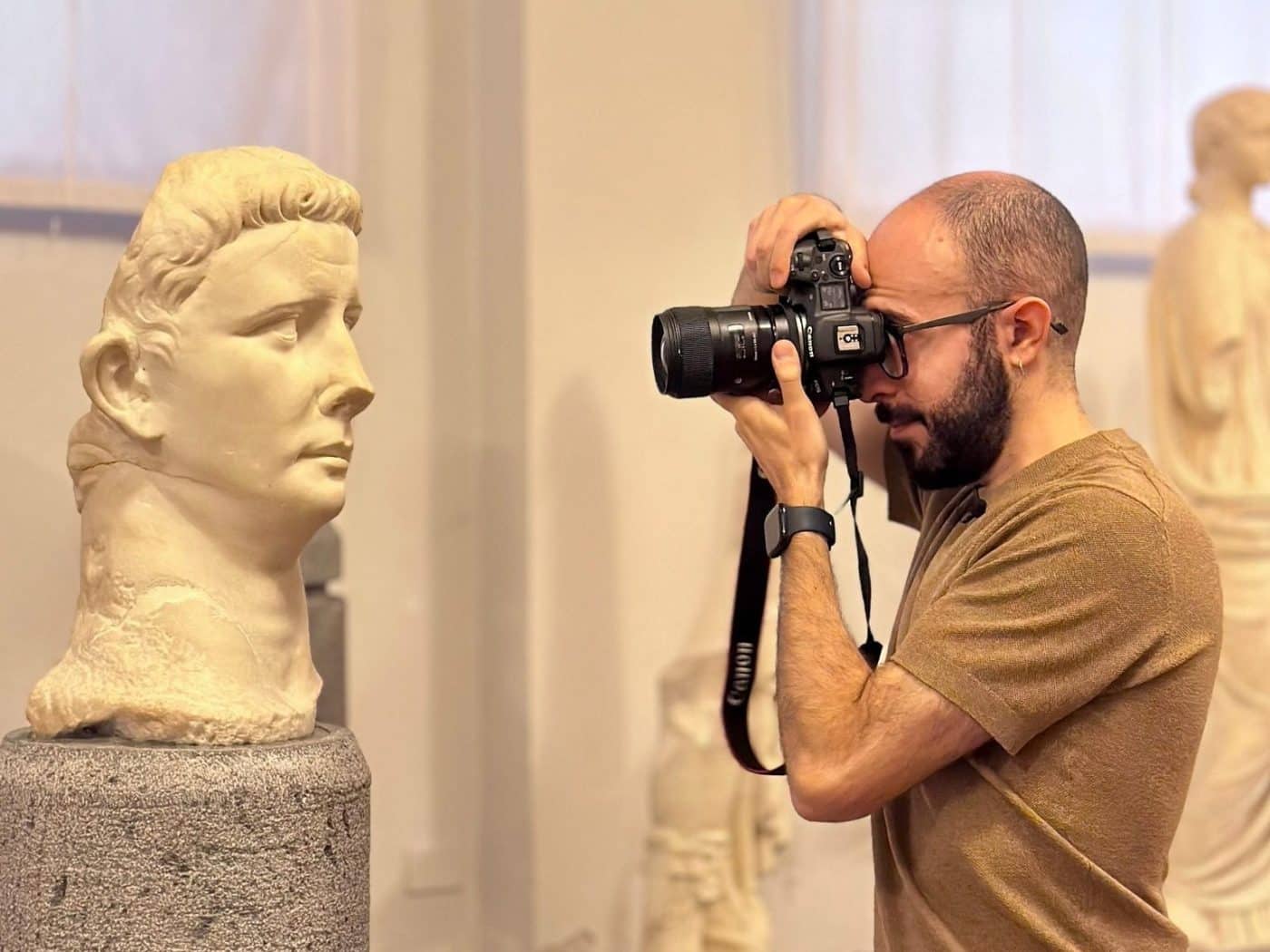
To learn how to use a camera to take good photographs focused on photogrammetry.
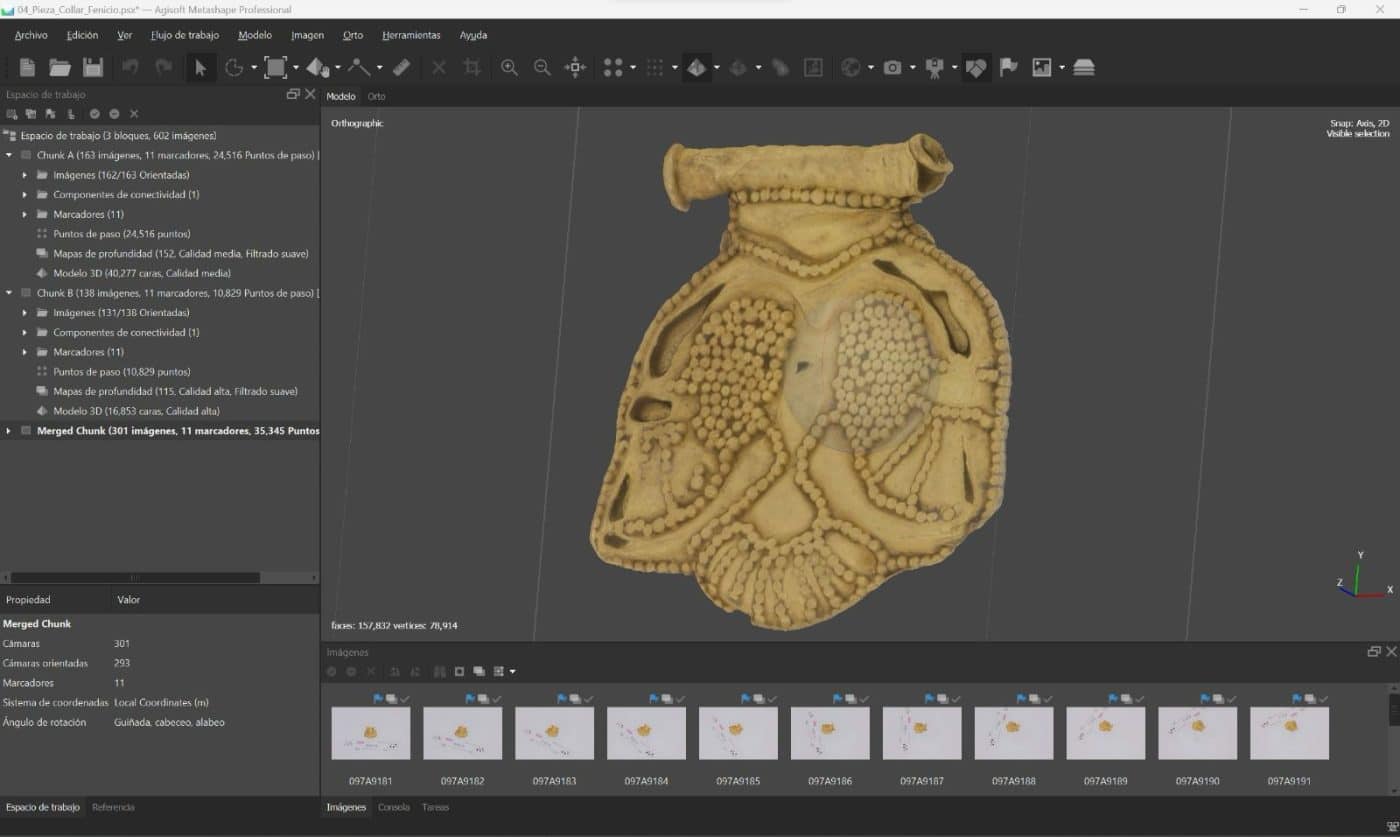
To know the working process in the two most used photogrammetry software: Agisoft Metashape and Reality Capture.
Discover additional and advanced tools to achieve perfect virtualizations.
Learn how to use 3D visualization tools for our models.
To get into the future of this technology and discuss its latest applications.
Previous knowledge
This is a course that can be taken without previous knowledge of photography, 3D design or archaeology and heritage.
Necessary materials
It is not necessary to have a professional camera: any compact camera or even a smartphone will be enough to follow the course.
Technical requirements
Minimum: CPU 32-bit dual core 2Ghz; 4GB RAM; Mouse.
Recommended: 64 bit quad core CPU; 8GB to 32GB RAM; Nvidia Geforce GTX graphics card, Mouse.
Aimed at
Students and professionals of archaeology, history, art history and heritage in general. Draftsmen, graphic designers. Anyone interested in 3D documentation of heritage or any other field.
Schedule
The course does not have a fixed timetable but each student can organize his or her time as he or she sees fit. The materials will be open (two blocks per week) and the student can carry out the course during the month of completion combining it with their own family, work, study, etc. schedules.
Each week there will be an online class or hangout -the specific day and time will be specified later- which will be optional and will be recorded so that all those who cannot attend can view it later.
Methodology
The student will have access from the first day of the course to the first block of materials (video tutorials, texts, presentations) and, progressively, the rest will be opened during the duration of the course.
During this time, any questions related to the course or the project to be carried out can be asked in the forums provided for this purpose and will be answered promptly by the teacher(s).
Each block is completed with exercises that accredit the student’s progress.
Syllabus
History and basics of digital photogrammetry
- 3D heritage documentation techniques
- History of photogrammetry as a 3D documentation technique
- Technical fundamentals of photogrammetry
- Photogrammetry vs. scanner: a basic comparison
- Uses and applications of photogrammetry in heritage

Data capture
- Data capture in photogrammetry: introduction and basic concepts.
- Imaging strategies (I): large structures and spaces
- Imaging strategies (II): small and medium sized objects
- Lighting control
- The camera
- Practical tips for capturing images
- Other media and accessories: poles
- RAW development and color treatment
- File organization and backups
Photogrammetric model processing
- Current photogrammetry software comparison (I)
- Current comparison of photogrammetry software (II): comparison of a real model
- Agisoft Metashape (I): Software features and news
- Agisoft Metashape (II): Download, Installation and Activation
- Agisoft Metashape (III): User interface and menus
- Agisoft Metashape (IV): Photogrammetric Theory
- Agisoft Metashape (V): Workflow (Part I)
- Agisoft Metashape (VI): Workflow (part two)
- Agisoft Metashape (VII): Batch Processing
- Reality Capture (I): Download, installation and activation
- Reality Capture (II): User Interface and Menus
- Reality Capture (III): Workflow
Additional tools in photogrammetry
- Creation of masks in Metashape
- Alignment of photogrammetric meshes
- Cleaning photogrammetric meshes
- Scaling of photogrammetric models in Metashape and Reality Capture
- Management of large-scale photogrammetric projects
- Creation of orthophotos
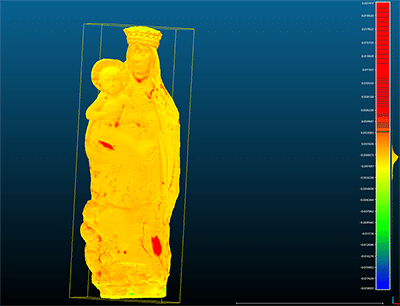
Photogrammetric model editing and optimization
- Hole closure (and extrapolation)
- De-illumination of photogrammetric models
- Decimation of 3D models
- The importance of photogrammetric model optimization
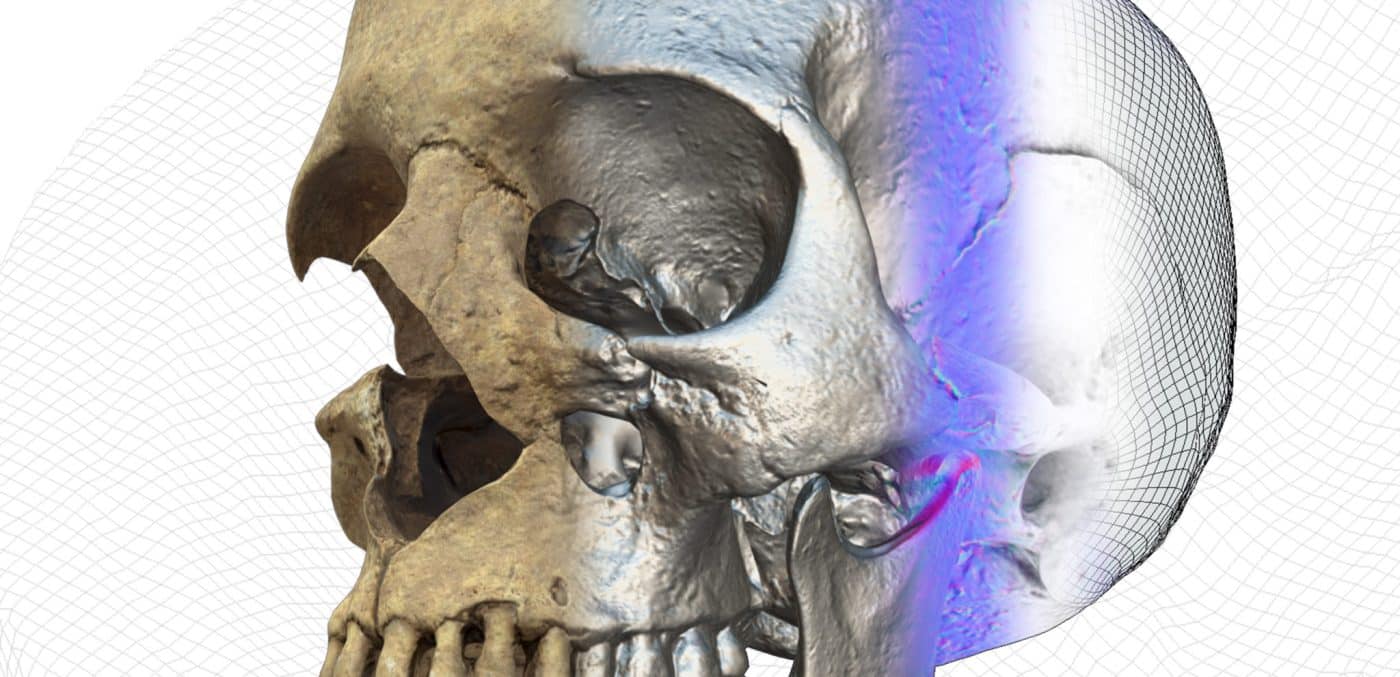
Presentación del modelo 3D
- Introduction to visualization and the importance of diffusion
- Visualization of photogrammetric models in Sketchfab
- Importing and configuring models in Sketchfab
- The importance of 3D model orientation
- New ways of visualization in Sketchfab
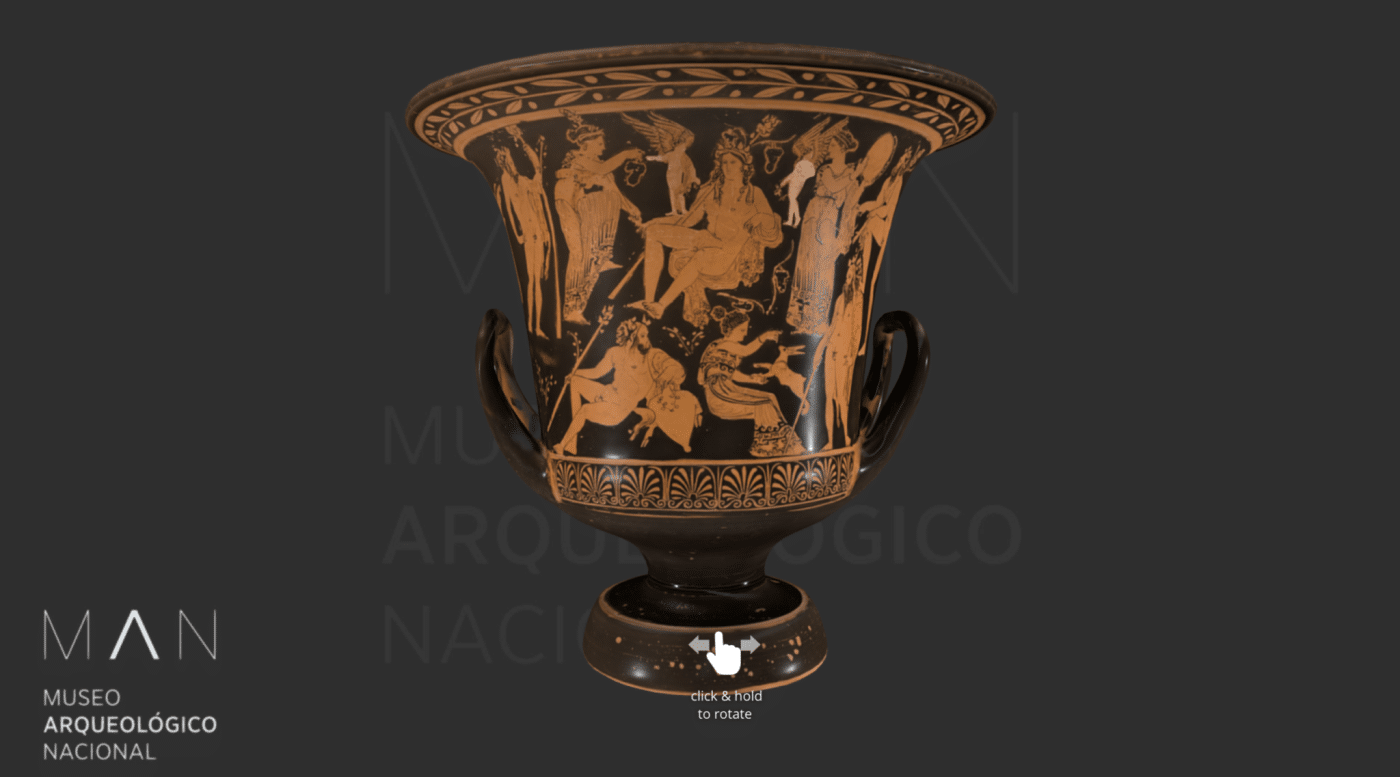
- Creating Virtual Museums
6 weeks (40 hours)
$129.00